Owlboy Otus Guide: The Mute Hero's Abilities
Who Otus is in Owlboy, why he is mute, how flight and carrying friends work with him, and how the anniversary update's Super Dash fits his moveset.
Who is Otus and what can he do in Owlboy?
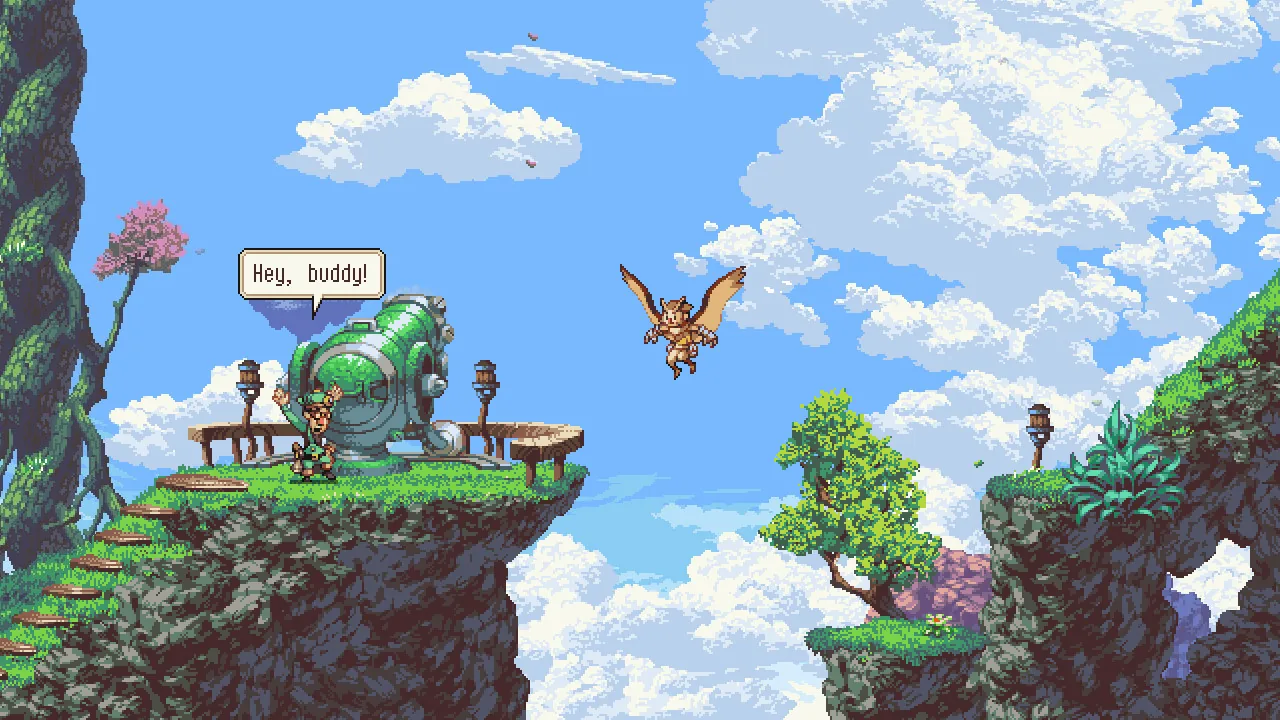
Otus is the silent, flying owl protagonist of Owlboy, a story-driven platform adventure from D-Pad Studio that launched on Steam on November 1, 2016. He explores the skies, carries his friends as gunners, and gains new movement options through official updates. According to Wikipedia, Otus is a member of an owl-like humanoid race and sets out to save his village after a pirate attack.
Why is Otus mute?
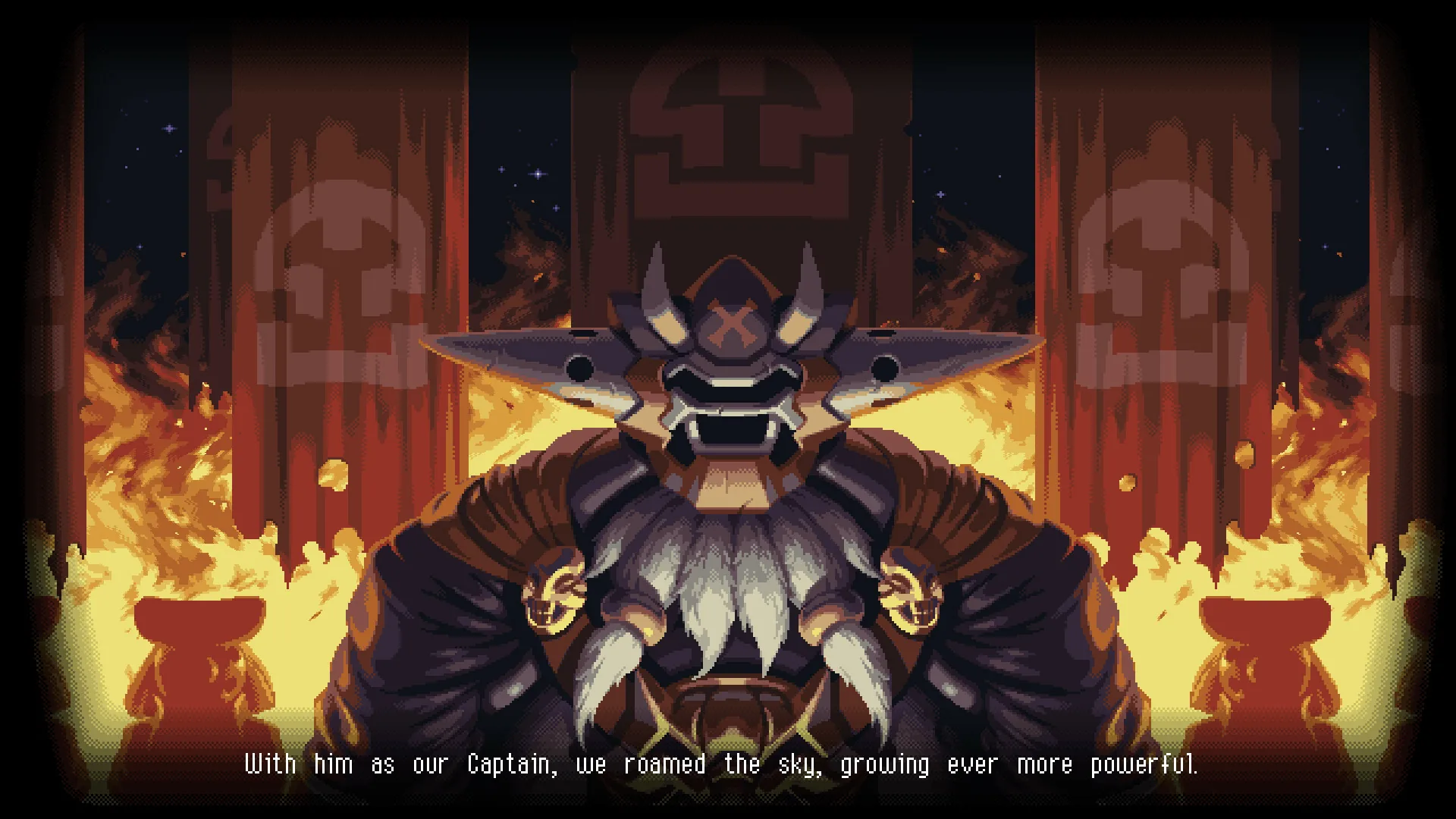
Otus is mute by design, and the game builds his story around that. The official store description on Steam says that being mute, Otus struggles living up to the expectations of owl-hood, and that his troubles get worse with the sudden appearance of sky pirates. The game does not officially document a reason for his muteness beyond this premise, so treat any deeper explanation as fan interpretation rather than canon.
How does Otus fly and carry his friends?
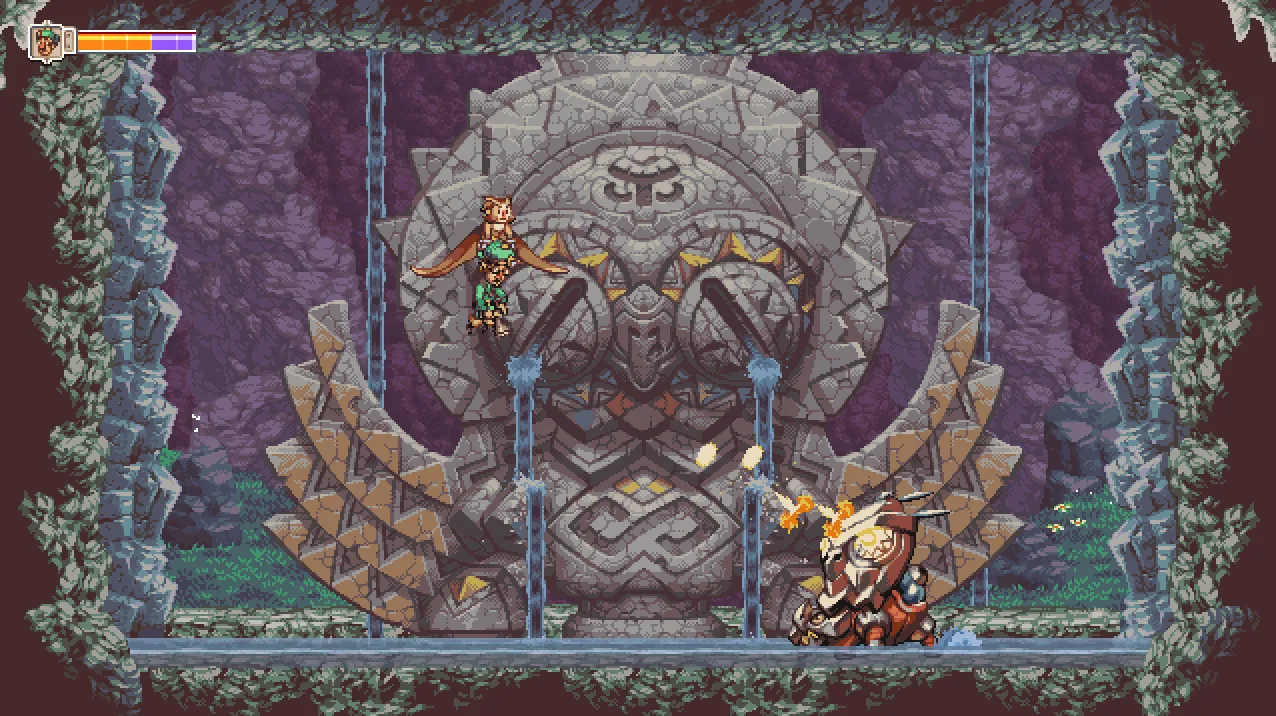
Otus flies, and he can pick up friends and objects and carry them through the air. The store description on Steam describes picking up friends and bringing them along while exploring the open skies, and recruiting Otus's friends as gunners, each with unique abilities and stories. The developer's own site, owlboygame.com, frames the same idea as an open-world exploration game with a mix of flight and platforming where you carry anything and recruit Otus's friends as gunners. Community wiki entries add story context: Alphonse, a former pirate, teams up with Otus quickly after Dirk ditches him, and later saves Otus's life by carrying him in the burning Dreadnaught.
Which moves does Otus use, including Super Dash?
Otus uses flight, a roll, a throw and gunner attacks, and the Anniversary Update added a Super Dash. In the official Anniversary Update announcement on Steam, D-Pad Studio lists the following:
- Super Dash – hold the Roll button for an additional boost in the direction Otus is rolling.
- Drop Gunner On Dodge – a toggle in the Options Menu for extra mobility in combat or platforming.
- Stunning enemies – various enemies can be stunned by dropping Geddy or Alphonse on their heads.
- Throwing pickups – pickups are thrown in the direction Otus is flying when pressing the Throw button.
- Keyboard controls – Z, X and C keys can be used for Throw, Shoot and Spin Attack, and cutscenes can be fast-forwarded with a dedicated button (default F-key or Right Bumper).
The same post notes that several game-halting cutscenes were removed, mostly when entering or closing areas, so returning players can get into the action faster. A later patch announcement, Anniversary Patch v1.02d, lists crash fixes on startup after an audio device bug, a fix for losing control of Otus with Japanese or Korean keyboard IME toggling, and translation fixes in certain scenes.
How does the auto-aim option change playing as Otus?
Auto-aim lets you play the entire game without a second thumbstick, and it can be switched on or off in the Options Menu. The official Anniversary Update announcement states that auto-aim was added so the game is fully playable without a second thumbstick, and that you can still use a second stick for precise aiming if you prefer. The same update added toggles for screenshake and flash effects, both found in the Options Menu. The earlier "Coming Soon" announcement explains the motivation: D-Pad Studio read player feedback about finicky two-stick controls and wanted the game playable on a wider range of controllers, and with the new key bindings, playable with the keyboard alone.
Is Owlboy playable on Steam Deck?
Yes, Owlboy is rated Verified by Valve. Valve's test results note that the default controller configuration is fully functional, on-screen controller icons match the Steam Deck, interface text is legible, and default graphics settings perform well. The store page also lists full controller support. One caveat from Valve's results: external controllers are not supported for the primary player.
If you want to try the game yourself, it is listed on the Steam store page and the developer's site, owlboygame.com, has press impressions and soundtrack information.
Related guides
Related Guides
Owlboy Alphonse Guide: The Musket-Wielding Gunner
Discover everything about Alphonse, one of Otus's trusted gunners in Owlboy, including his abilities, personality, and how to best use him in combat.
Owlboy Asio Guide: The Owl Leader's Role
Learn about Asio, the mentor of Otus in Owlboy, including his personality, his role in the story, and his relationship with the other characters.
Owlboy Dirk Guide: The Sky Pirate Leader
Explore the character of Dirk, the leader of the sky pirates in Owlboy. Understand his motives, his encounters with Otus, and his role as an antagonist.
Owlboy Twig Guide: The Mysterious Companion
Learn about Twig, a key character in Owlboy, including his story arc, his abilities, and his impact on Otus's journey.