Owlboy Beginner's Guide: Tips for Your First Hours
A spoiler-light start guide to Owlboy: how flying works, when you get gunners, what to spend Bucanary Coins on and how to use the new auto-aim option.
How do I get started in Owlboy?
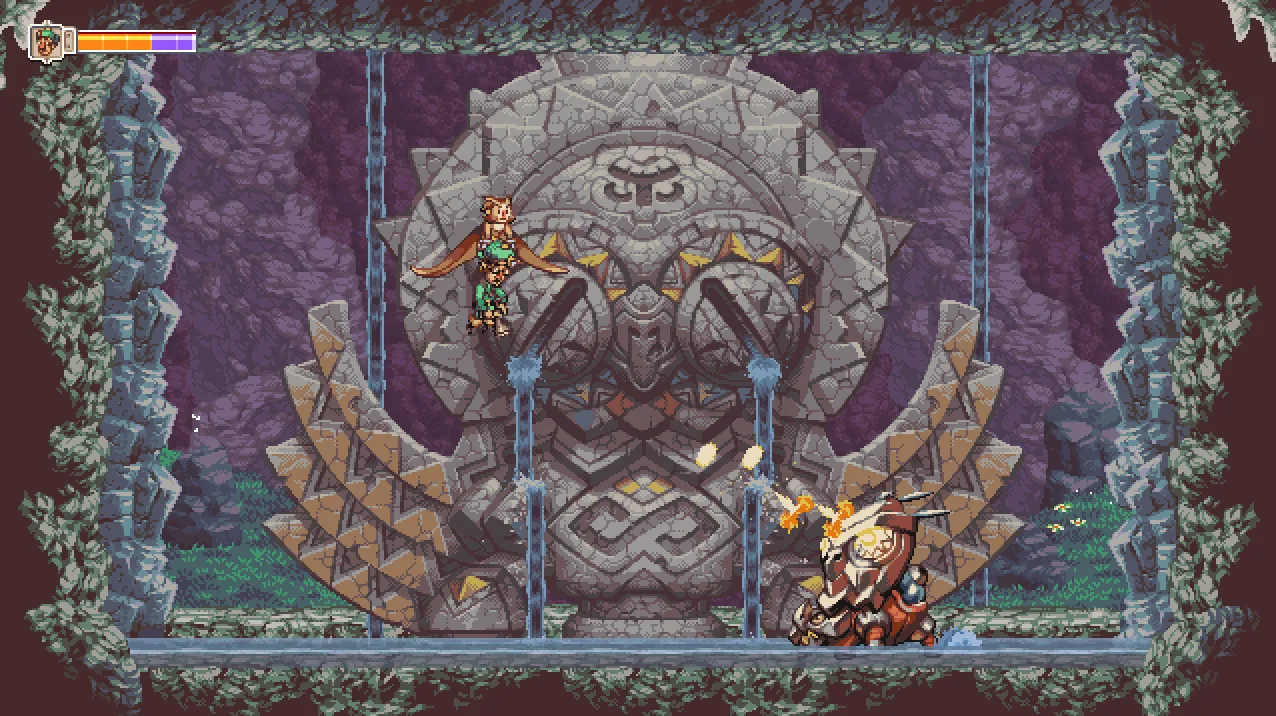
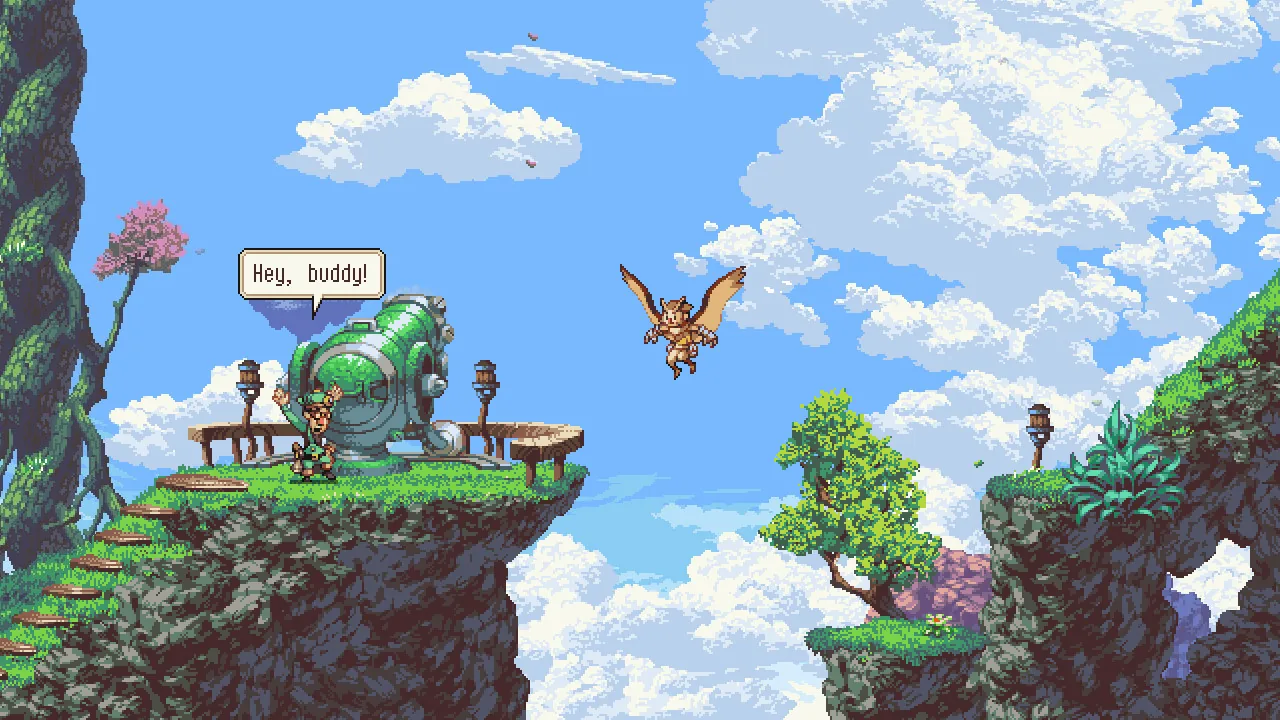
Start by treating Owlboy as a flight game first and a platformer second: you control Otus, a mute owl who can fly and carry objects and friends during flight, and the Steam store describes the game as a story-driven action adventure built on "a unique mix of flight and platforming." Before you worry about combat depth or collecting, get comfortable with the basics the official Anniversary Update added, because they change how the game feels from the very beginning.
- Hold the 'Roll' button to perform the new Super Dash for an extra boost in your current direction.
- Press the Throw button to send pickups in the direction Otus is flying.
- The Z, X and C keys are mapped to Throw, Shoot and Spin Attack respectively.
- Hold the 'Fast-forward' button (F-key or Right Bumper by default) to skip through cutscenes.
Those changes come from the official Anniversary Update announcement.
Does Owlboy require two thumbsticks to play?
No — the Anniversary Update added an auto-aiming system that lets you play the entire game without a second thumbstick. The same update added a toggle for it in the Options Menu, so you can still use a second stick for precise aiming if you prefer. The announcement notes that shooting, attacking and picking up objects can also be done with keyboard keys, which together with auto-aim lets you play with the keyboard only.
If you are on a laptop with a touchpad, or your controller's right stick is awkward, this is the single setting that will shape your whole playthrough.
When do you get your first gunner?
The store page confirms you recruit Otus's friends as gunners, each with unique abilities and stories, but it does not say exactly when the first one joins. Asio gives Otus an owl cloak early on, according to Wikipedia's Owlboy article, and Geddy is the human Vellie Guard who sets out with Otus after the pirate attack — the same article describes Alphonse, a former pirate, joining later. Treat the first gunner as arriving through the story rather than at a fixed, documented point.
Should you turn on auto-aim and the other toggles?
Yes, most new players should try auto-aim first and adjust from there. The Options Menu in the Anniversary Update allows you to toggle:
- Auto-aim on or off
- Screenshake on or off
- Flash Effects on or off
- Drop Gunner On Dodge on or off — described as useful when you want extra mobility in combat or platforming
Screenshake and flash effects are both things you can switch off in the Options Menu if they bother you while flying.
What should a new player know about the store version?
The PC release is a single-player game with full controller support, Steam Achievements, Trading Cards, Cloud saves and Family Sharing, priced at $1.99 on the US store. Valve's official review lists Owlboy as Verified for Steam Deck; its published test results note that the default controller configuration is fully functional, that on-screen controller icons match Steam Deck, that interface text is legible, and that default graphics settings perform well.
For system requirements, the Steam store page lists Windows 7/8/10/Vista, a dual-core processor, 1 GB RAM, a DirectX 10 capable card and 600 MB of space. The patch notes do not list a detailed control remap guide beyond the new key bindings above, so check the in-game Options for anything else.
Related guides
Related Guides
Owlboy Alphonse Guide: The Musket-Wielding Gunner
Discover everything about Alphonse, one of Otus's trusted gunners in Owlboy, including his abilities, personality, and how to best use him in combat.
Owlboy Asio Guide: The Owl Leader's Role
Learn about Asio, the mentor of Otus in Owlboy, including his personality, his role in the story, and his relationship with the other characters.
Owlboy Dirk Guide: The Sky Pirate Leader
Explore the character of Dirk, the leader of the sky pirates in Owlboy. Understand his motives, his encounters with Otus, and his role as an antagonist.
Owlboy Twig Guide: The Mysterious Companion
Learn about Twig, a key character in Owlboy, including his story arc, his abilities, and his impact on Otus's journey.