Owlboy Beginner Guide: Tips for New Players
New to Owlboy? Learn how to fly, carry your gunner friends, use your controller and the Anniversary Update options to make the game easier.
How do I get started in Owlboy?
Start by understanding the core loop: you play as Otus, a mute owl who flies through a pixel-art world and recruits his friends as gunners to fight for him. Owlboy is a story-driven action adventure from D-Pad Studio with a mix of flight and platforming, released on Steam on Nov 1, 2016 and priced at $1.99 on the US store. It runs on Windows, Mac and Linux, lists full controller support on its Steam store page, and its Steam achievements total 12.
What kind of game is Owlboy?
It is a story-driven platform adventure where you fly and explore a world in the clouds. The official description calls it "a love letter to pixel art for a new audience," with large dungeons, big boss battles, and an adventure "10 years in the making." According to the official Owlboy site, it is an open-world exploration game with a unique mix of flight and platforming.
Otus himself is limited on his own: he was born mute, and his personal abilities are flight (thanks to an owl cloak given during his training) and a spinning attack that only stuns enemies. That is why your friends matter so much.
How do flying and platforming work?
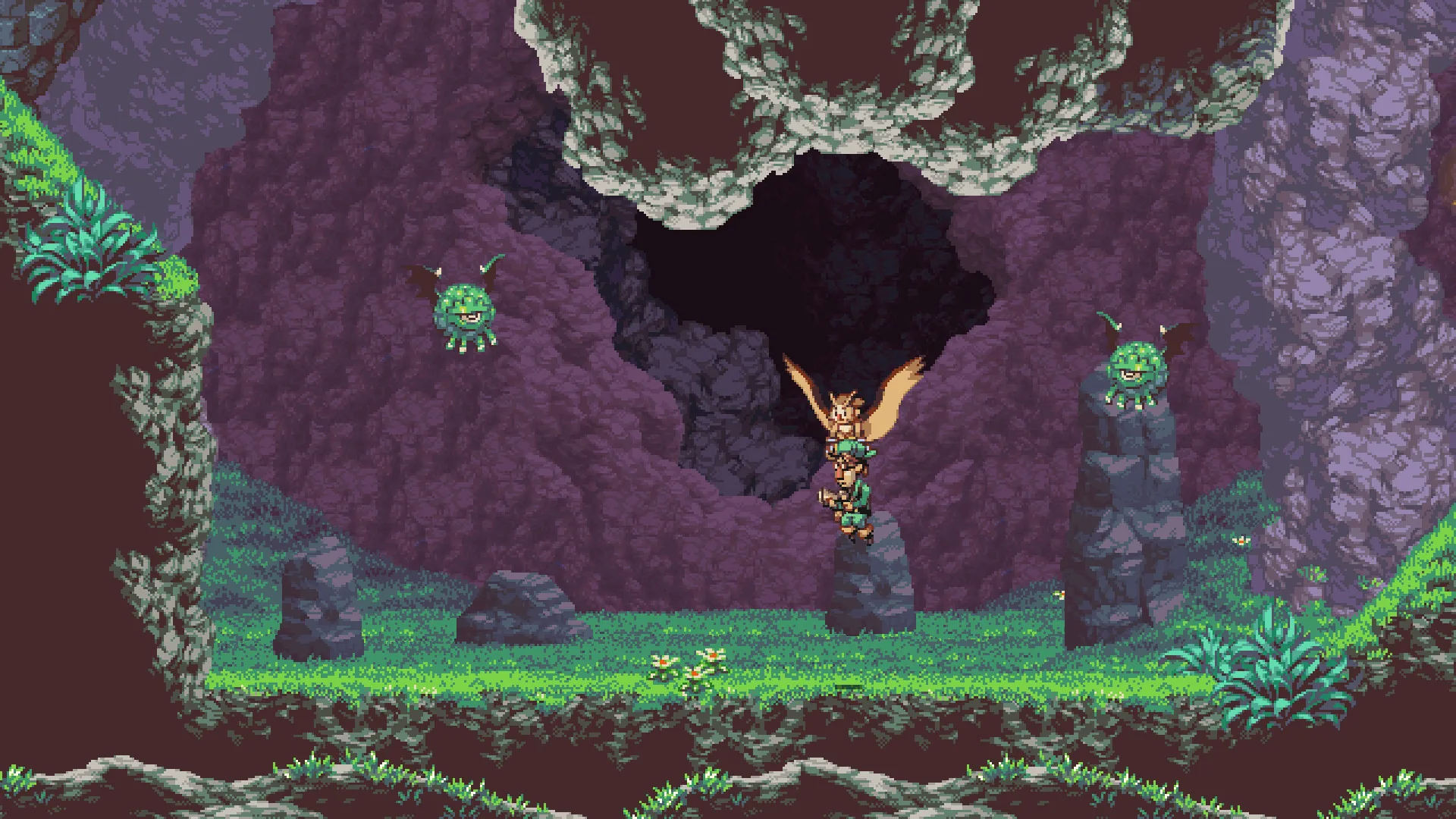
Otus flies rather than walks, and the game is built around carrying things and people while airborne. You can pick up your friends and bring them with you as you explore the open skies, and you can carry objects too.
A few movement notes worth knowing early:
- Pickups are thrown in the direction Otus is flying when you press the Throw button.
- In one late area, the Massive Owl Space Library, the air is so thin that Otus cannot fly, though he can slow his descent by trying to.
- The Anniversary Update added a Super Dash: hold the roll button for an extra boost in your current direction while rolling, leaving a puff of smoke behind Otus.
How do I fight using Otus's friends as gunners?
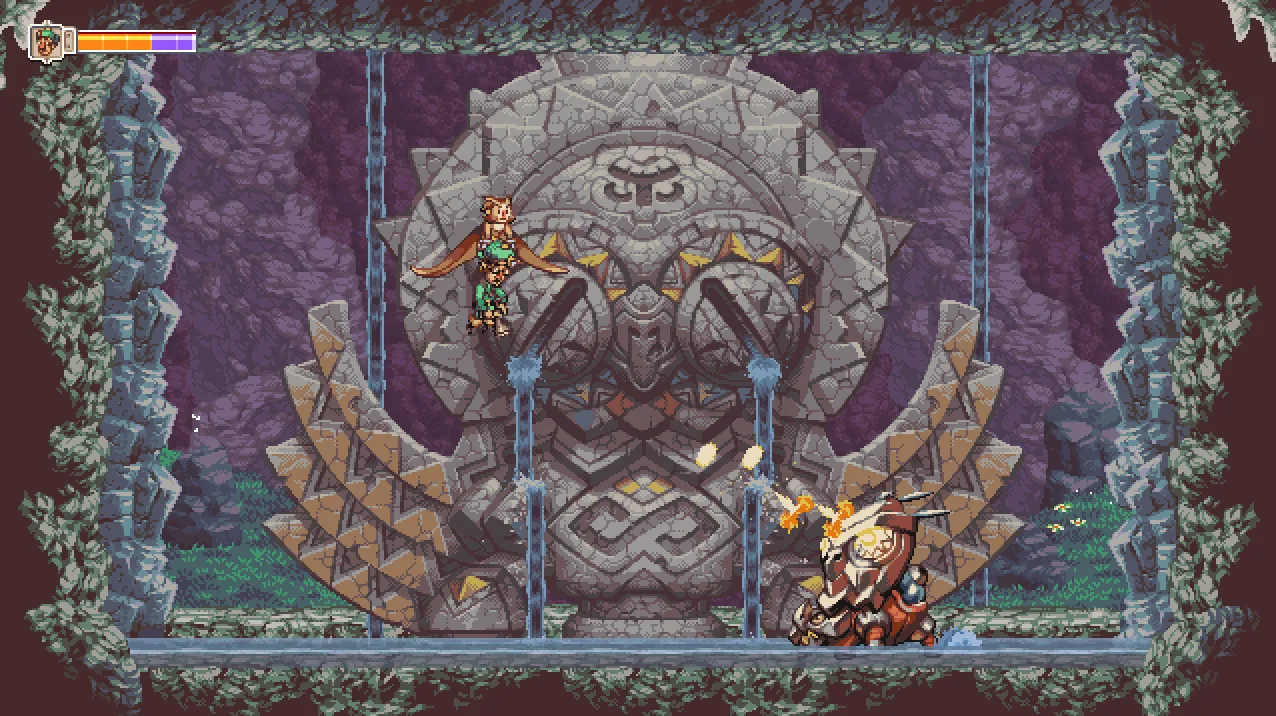
Gunners are the characters Otus can pick up, fight with, and teleport. The store page describes recruiting Otus's friends as gunners to fight for you, "each with unique abilities and stories."
Because Otus's own spinning attack only stuns enemies, your gunners handle the damage. The anniversary patch notes also mention that various enemies can now be stunned by dropping Geddy or Alphonse on their heads, so dropping a gunner is a real tactic, not just a way to reposition. There is also an option called "Drop Gunner On Dodge," which the notes describe as useful for extra mobility in combat or platforming.
Which options make the game easier?
The big accessibility addition is Auto-Aim, introduced in the Anniversary Update. It lets the game be played without a second thumbstick, and you can still use a second stick for precise aiming like before. It can be toggled on or off in the settings menu.
The same update added toggles for screenshake and flash effects in the Options Menu. The Anniversary Update announcement explains that auto-aim came after years of feedback that the controls were finicky, especially since the game asked players to use two thumbsticks.
What should I know about the Anniversary Update additions?
The update, released as the game marked its 10th anniversary, changed several things a new player will encounter immediately:
- Super Dash: hold the roll button for a boost in the direction Otus is facing.
- Auto-aim: playable without a second thumbstick; toggle in the settings menu.
- Cutscene skipping: returning players can skip all major cutscenes; fast-forward by holding the fast-forward button (defaults to the F-key or right bumper).
- Keyboard play: Z, X and C can be used for Throw, Shoot and Spin Attack, and with auto-aim the game should be playable with the keyboard only, per the update notes.
- Tuned encounters: several game-halting cutscenes have been removed.
A later patch, v1.02d, fixed startup crashes tied to an audio device bug, an IME toggle issue on Japanese and Korean keyboards where the player could lose control of Otus, and broken translations in certain scenes.
Does Owlboy work well on Steam Deck?
Yes, by Valve's own rating: Owlboy is Steam Deck Verified. Valve's test results say the default controller configuration is fully functional, on-screen controller icons match the Steam Deck, interface text is legible, and default graphics settings perform well. One caveat from the same notes: external controllers are not supported for the primary player.
On the PC side, the minimum requirements are modest: Windows 7/8/10/Vista, a dual-core processor, 1 GB RAM, a DirectX 10-capable graphics card, DirectX 9.0c, and 600 MB of storage. The supported languages are English, Japanese, French, Italian, German, Spanish (Spain), Korean, Polish, Portuguese (Brazil), Russian, Simplified Chinese, Traditional Chinese and Norwegian; the store marks these with an asterisk noting full audio support.
Related guides
Related Guides
Owlboy Abilities List: Spin Attack, Super Dash and Auto-Aim
Every ability Otus and his gunners can use in Owlboy, including the Spin Attack, the new Super Dash and how Auto-Aim changes combat.
Owlboy Achievements: Full List and Guide
All 12 Owlboy Steam achievements explained, including Trinket Master, Treasure Seeker, Flight of the Boguin and the hidden secret achievements.
Owlboy Cannon Minigame: How to Play
How the Boguin Cannon minigame and challenge work in Owlboy, what you have to do, and how it connects to the Flight of the Boguin achievement.
Owlboy Controls: Keyboard and Controller Explained
Full breakdown of Owlboy controls on controller and keyboard, including the new Super Dash, ZXC keys, auto-aim and the fast-forward cutscene button.