Owlboy Controls: Keyboard and Controller Explained
Full breakdown of Owlboy controls on controller and keyboard, including the new Super Dash, ZXC keys, auto-aim and the fast-forward cutscene button.
What are the controls in Owlboy?
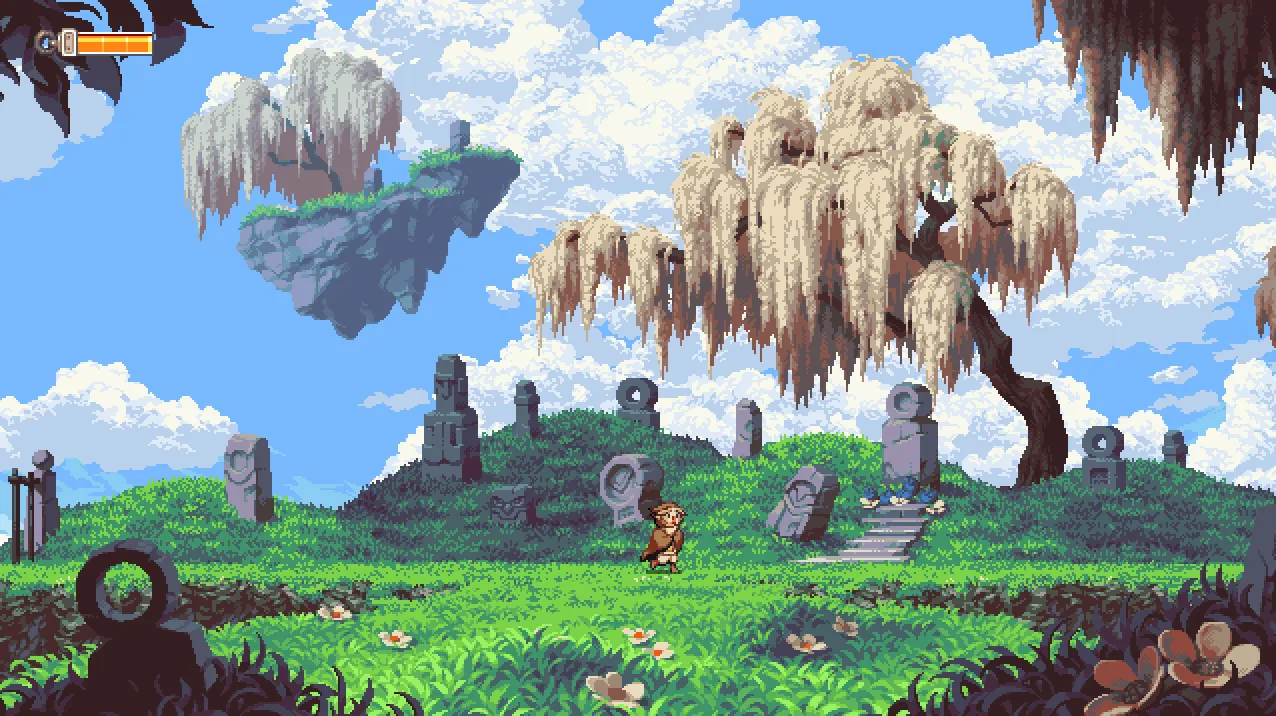
Owlboy lists full controller support on its Steam store page, and the Anniversary Update out now added several new control options, including auto-aim, a Super Dash and keyboard shortcuts for throwing, shooting and spin attacks. The exact default button layout for every action is not spelled out in the official patch notes, so the sections below stick to what the developer confirmed.
How does auto-aim change aiming?
Auto-aim lets you play the entire game without a second thumbstick. The developer explains that the game "should be completely playable without needing to use a second thumbstick," and you can still use a second thumbstick for precise aiming if you prefer. Auto-aim can be toggled on or off in the Options Menu, per the Anniversary Update announcement. The same announcement adds toggles for screenshake, flash effects, and a "Drop Gunner On Dodge" option for extra mobility.
What do the ZXC keys do on keyboard?
The default keyboard shortcuts use Z for Throw, X for Shoot and C for Spin Attack, as listed in the Anniversary Update announcement. The earlier Coming Soon preview describes the keys as XYZ for shooting, attacking and picking up objects, then says that together with auto-aim this should let you play the whole game with the keyboard only, controlling Otus with the Arrow keys. Any deeper remapping options are not listed in the official notes.
How do I Super Dash?
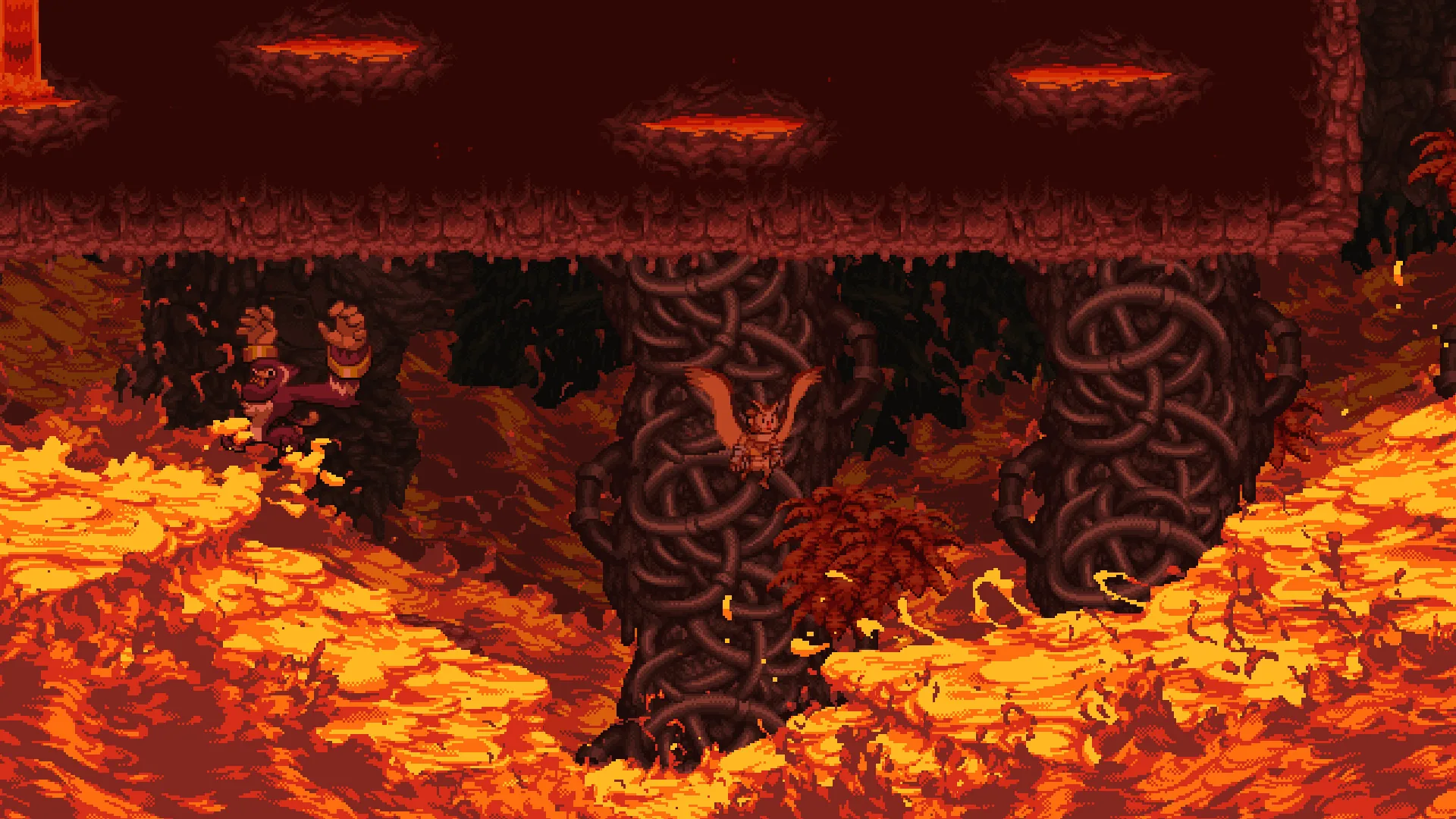
Super Dash is triggered by holding the roll button instead of tapping it repeatedly. In the update notes it works as a boost in the direction you are rolling, and the preview says Otus leaves a puff of smoke behind him as he propels himself in the direction he faces. Fast-forwarding cutscenes works by holding the Fast-forward button, which defaults to the F-key or the Right Bumper, and returning players can now skip all major cutscenes.
Is the game playable on keyboard only?
Yes, according to the developer: with auto-aim on and the new key bindings, Owlboy should be playable with just the keyboard, even on a laptop with only a touchpad. Whether that keyboard-only setup has been formally reviewed beyond those notes is not documented in the official posts. For background on the game itself, see the Owlboy Wikipedia article.
Related guides
Related Guides
Owlboy Abilities List: Spin Attack, Super Dash and Auto-Aim
Every ability Otus and his gunners can use in Owlboy, including the Spin Attack, the new Super Dash and how Auto-Aim changes combat.
Owlboy Achievements: Full List and Guide
All 12 Owlboy Steam achievements explained, including Trinket Master, Treasure Seeker, Flight of the Boguin and the hidden secret achievements.
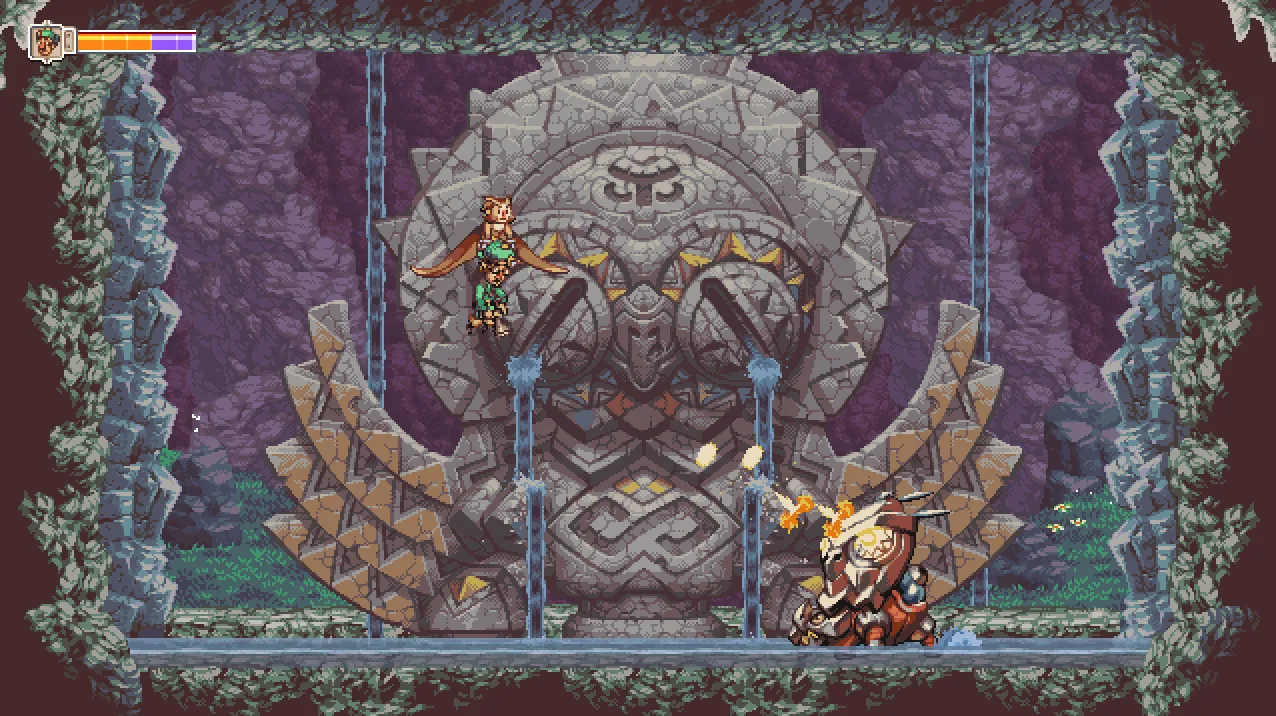
Owlboy Beginner Guide: Tips for New Players
New to Owlboy? Learn how to fly, carry your gunner friends, use your controller and the Anniversary Update options to make the game easier.
Owlboy Cannon Minigame: How to Play
How the Boguin Cannon minigame and challenge work in Owlboy, what you have to do, and how it connects to the Flight of the Boguin achievement.