How to Use Super Dash in Owlboy
How the Super Dash works in Owlboy, which button to hold, and how it improves on spamming the roll button for faster movement.
How to Use Super Dash in Owlboy
To perform the Super Dash, hold the "roll" button rather than tapping it: while rolling in a direction, keep the button held and Otus will gain an additional boost in his current direction. This is described in the official Steam announcement for the Anniversary Update, which introduces the move. The same announcement notes that a setting called "Drop Gunner On Dodge" can be toggled in the Options Menu, which the developers say is useful when you want extra mobility in combat or platforming.
Hold, Don't Tap
The key difference from ordinary rolling is button duration. According to the official announcement, the Super Dash is performed by holding the roll button for an additional boost in your current direction, rather than repeatedly tapping it to roll. An earlier official Steam announcement previewing the update describes the same move: instead of spamming the roll button to get places fast, you keep holding it to go into a Super Dash.
What It Looks Like
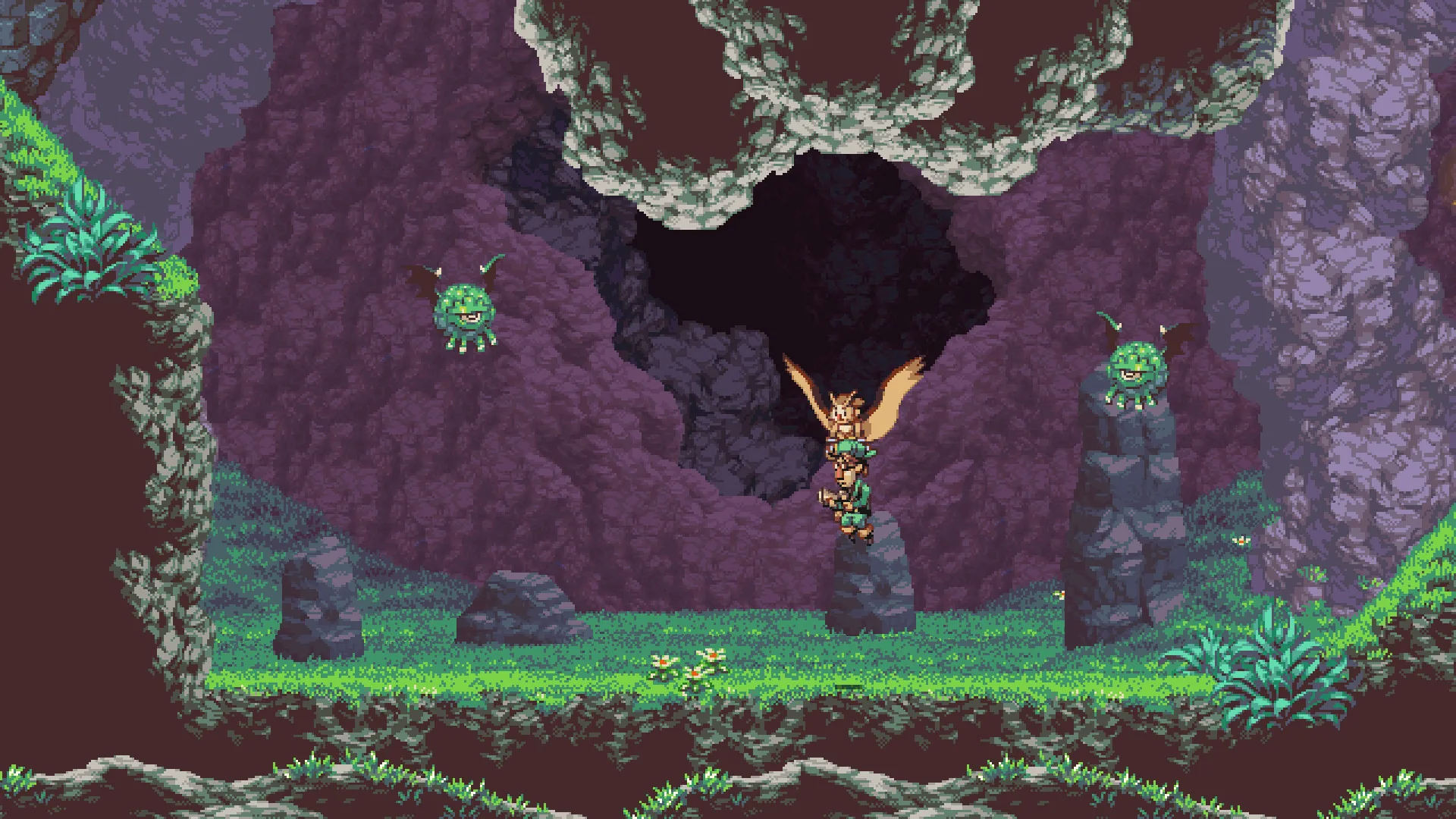
The preview announcement states that Otus leaves a puff of smoke behind him as he propels himself in the direction he is facing. This is a visual description from the developers' own preview; no further official detail on the effect's appearance is documented in the available facts.
When to Use It
The official announcements present the Super Dash primarily as a movement and traversal tool. The preview frames it as an alternative to spamming the roll button when you want to get places fast, and the announcement says it provides an additional boost in your current direction. The developers also connect related settings to mobility: the "Drop Gunner On Dodge" toggle is described as useful for extra mobility in combat or platforming.
- Use it when you want to cross ground quickly without repeated roll inputs.
- Try it alongside the auto-aim option if you prefer not to use a second thumbstick, as the update announcement describes auto-aim as a toggle in the Options Menu.
Availability
The Super Dash is introduced as part of the Anniversary Update, which the official Steam announcement (dated 2026-11-01) titles "Anniversary Update Out Now!" and describes as a game update released around Owlboy's 10-year anniversary. The update also adds related options such as auto-aim, screenshake and flash effect toggles, and a cutscene fast-forward, all detailed in the Anniversary Update announcement and the earlier preview.
Not Officially Documented
The facts provided do not specify a keyboard binding for the roll button, a maximum dash distance, a cooldown, or whether Super Dash interacts with specific enemies or obstacles beyond the general boost described. Treat any such details you encounter elsewhere as unconfirmed unless D-Pad Studio documents them.
Related Guides
Owlboy Auto-Aim: How to Turn It On or Off
Where to find the Owlboy auto-aim setting, what it changes about aiming with controllers, and whether you can still aim manually.
Owlboy Keyboard Controls: ZXC and Arrow Keys
Which keyboard keys Owlboy uses for throwing, shooting, and spin attacks, and how to play the whole game with keyboard only.
Owlboy Settings Toggles: Screenshake, Flash, Dodge
An overview of the toggles in Owlboy's Options menu, including screenshake, flash effects, auto-aim and Drop Gunner On Dodge.