Owlboy Settings Toggles: Screenshake, Flash, Dodge
An overview of the toggles in Owlboy's Options menu, including screenshake, flash effects, auto-aim and Drop Gunner On Dodge.
Owlboy Settings Toggles: Screenshake, Flash, Dodge
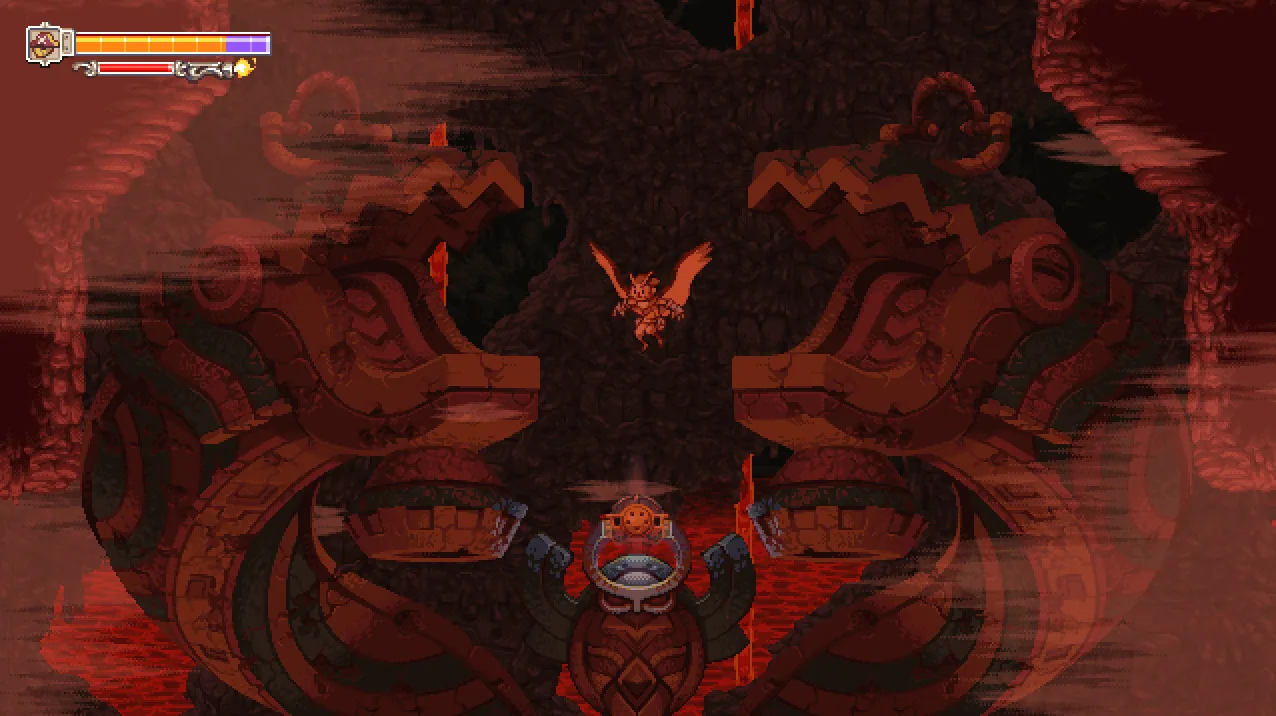
According to the official Steam announcement for Owlboy's Anniversary Update, the Options Menu lets you toggle four settings on or off: Auto-aim, Screenshake, Flash Effects, and Drop Gunner On Dodge.
The Four Toggles
- Auto-aim — an aiming system that, per the official announcement, lets you play the entire game without using a second thumbstick on your controller.
- Screenshake — you can turn the screen-shake effect off in the Options Menu.
- Flash Effects — you can turn flashing effects off in the same menu.
- Drop Gunner On Dodge — a toggle named in the official announcement, which does not describe exactly when or how the gunner is dropped.
What the Official Update Says About Drop Gunner On Dodge
The official announcement describes this option as "useful for when you want some extra mobility in combat or platforming." That is the full extent of what the announcement states about the option; it does not spell out the underlying action in more detail.
Context for the Toggles
The same official announcement lists the settings toggles among the "key additions and changes" in the Anniversary Update, alongside gameplay changes such as a new Super Dash (performed by holding the roll button), the ability to skip major cutscenes, and an auto-aiming system. An earlier official Steam announcement, "Coming Soon - The Anniversary Update," also notes that auto-aim, screenshake, and flash toggles were added, and that players can still use a second thumbstick for precise aiming as before.
Notes on What Is and Isn't Documented
The four toggles above come from the official Anniversary Update announcement. Details beyond that, such as default states for each toggle or exact menu layout, are not officially documented in the sources used here. If you want the full settings picture, see the official Anniversary Update announcement; the game's store page is also available at its Steam listing.
Related Guides
Owlboy Auto-Aim: How to Turn It On or Off
Where to find the Owlboy auto-aim setting, what it changes about aiming with controllers, and whether you can still aim manually.
How to Use Super Dash in Owlboy
How the Super Dash works in Owlboy, which button to hold, and how it improves on spamming the roll button for faster movement.
Owlboy Keyboard Controls: ZXC and Arrow Keys
Which keyboard keys Owlboy uses for throwing, shooting, and spin attacks, and how to play the whole game with keyboard only.