Owlboy Anniversary Update: What Changed
What the Owlboy Anniversary Update added and changed, from the new Super Dash and auto-aim to cutscene skipping and new toggles.
What the Owlboy Anniversary Update Adds and Changes
The Owlboy Anniversary Update adds a Super Dash move, an auto-aim system that lets you play the entire game without a second thumbstick, the ability to skip major cutscenes, and several new settings toggles (screenshake, flash effects, and "Drop Gunner On Dodge"). D-Pad Studio released it alongside the game's 10th anniversary in a Steam announcement dated November 1, 2026. The studio had previewed the update a month earlier in an October 1, 2026 announcement, describing it as quality-of-life work driven by 10 years of player feedback.
Movement and combat changes
- Super Dash: hold the "Roll" button for an additional boost in your current direction while rolling.
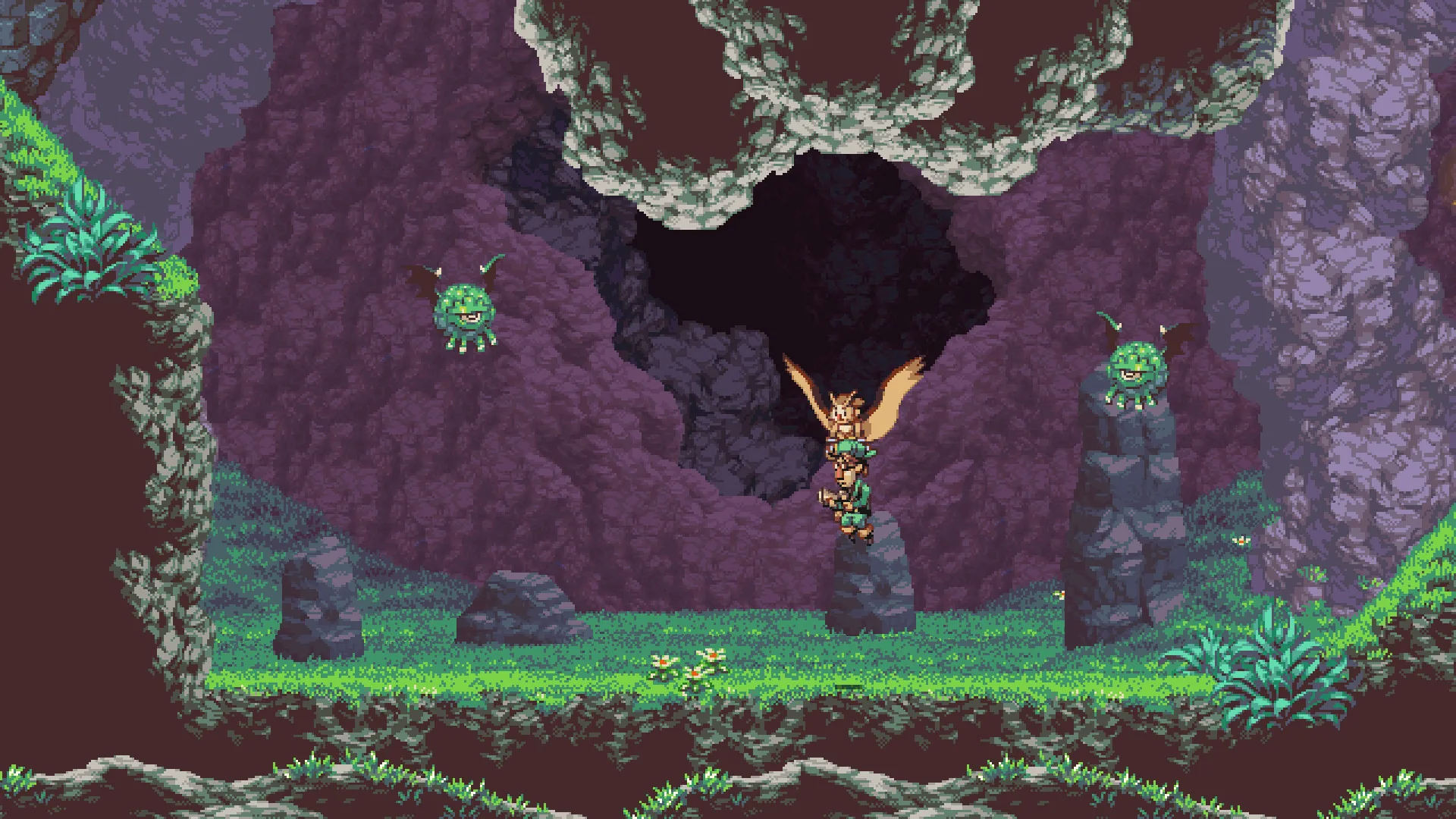
- Stunning enemies: various enemies can now be stunned by dropping Geddy or Alphonse on their heads.
- Throw direction: pickups are now thrown in the direction Otus is flying when you press the Throw button.
The October preview said Super Dash replaces spamming the roll button to move fast, and that Otus leaves a puff of smoke behind him as he propels forward. The November post lists it as "the Super Dash ability."
Auto-aim and controller accessibility
Auto-aim can be toggled on or off in the Options Menu. According to the October announcement, D-Pad Studio added it after reading reviews that found controllers finicky because the game required two thumbsticks; the studio says the game should now be playable without a second thumbstick and work with a wider range of controllers. Players can still use a second thumbstick for precise aiming.
Cutscene options and new settings
- Fast-forward: hold the fast-forward button (defaults to the F-key or Right Bumper) to fast-forward through cutscenes.
- Skipping: returning players can skip all major cutscenes, which the studio says helps those who want to get straight into the action.
- Toggles in the Options Menu: auto-aim, screenshake, flash effects, and Drop Gunner On Dodge. The studio describes the last option as useful for extra mobility in combat or platforming.
The November post also says that several game-halting cutscenes were removed, "mostly when entering or closin…". The announcement text is cut off there, so further details are not officially documented.
Keyboard bindings and other notes
The provided text of the November announcement lists ZXC-key bindings, but it does not present them as a new addition of this update; the wording simply describes the actions these keys can perform, which suggests the bindings themselves may predate the update. The October preview referred to XYZ-keys rather than ZXC-keys, and the two posts do not fully reconcile, so the exact history of these bindings is not officially documented. The October post also said keyboard-only play should be possible with Otus controlled by the Arrow-keys, making the game playable on a laptop with only a touchpad. The same post mentions "Tuned-up Encounters," but the excerpt does not detail those changes, so they are not officially documented here.
What the update is not
The announcements do not give a full changelog. While the October post says the studio spent months on the update and had more to share, only the items above appear in the provided official text. For the complete list, the original Steam announcements remain the source of record.
Related Guides
Owlboy May 2022 Patch: Backtracking Crash Fix
What the May 25, 2022 Owlboy patch fixed, including a crash when backtracking to the final dungeon and backend stability updates.
Owlboy Release Date and Supported Platforms
When Owlboy released on Steam and which operating systems it supports, including Windows, Mac and Linux.