Owlboy Beginner Guide: Flying, Attack, and Exploration Basics
A starting-point guide for new Owlboy players covering the core loop: flying as Otus, carrying and using gunners, the spin attack, throwing pickups, and exploring the sky world.
Owlboy Beginner Guide: Flying, Attack, and Exploration Basics
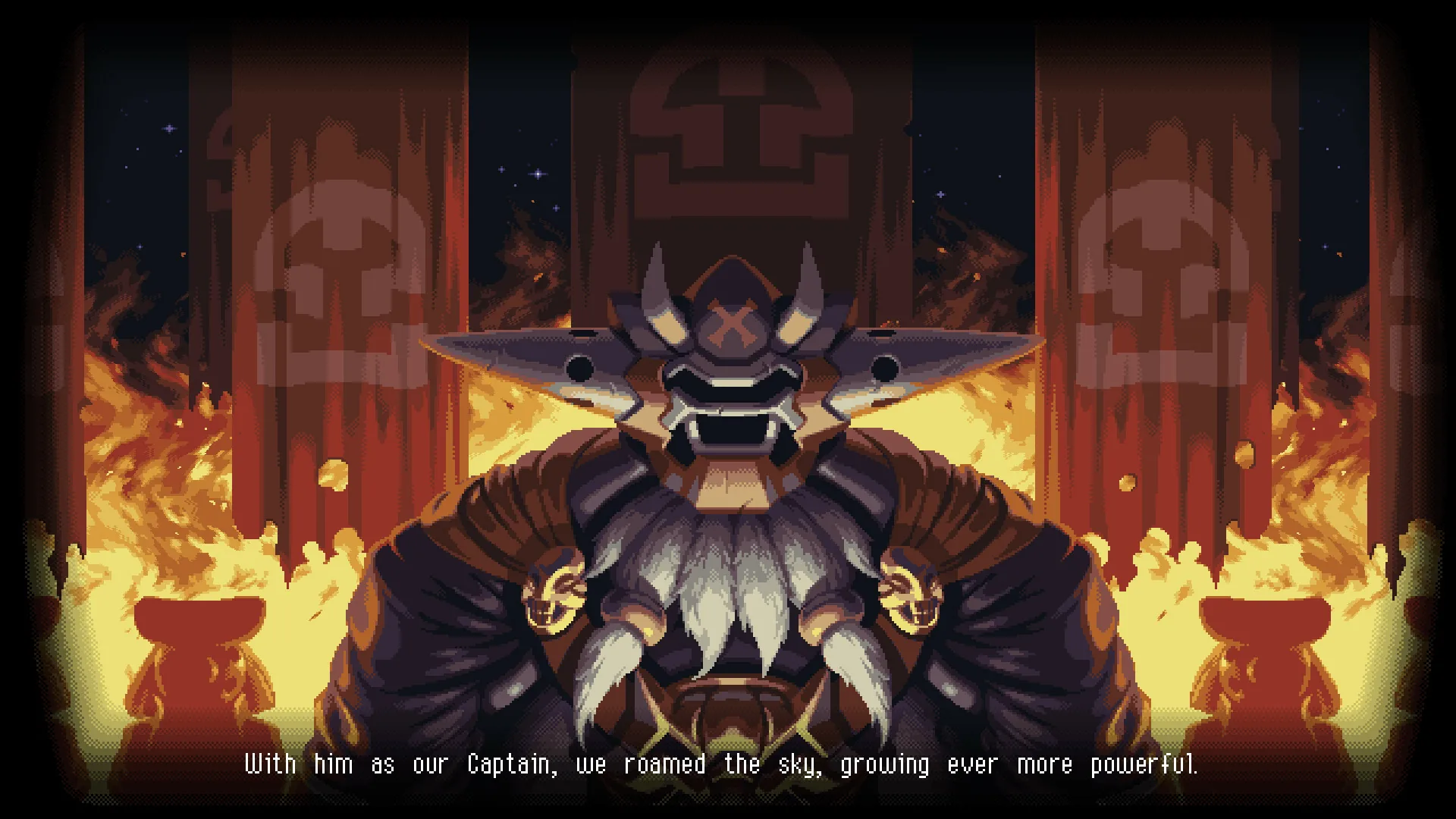
The first thing to do in Owlboy is fly. Otus can fly from the very beginning of the game, so there is no movement ability to unlock before you start exploring — get comfortable moving up, down, and sideways in the air, then pick up your first friend and practice shooting while you fly. According to Gamer Walkthroughs, that early freedom is exactly what makes exploration enjoyable from the opening minutes.
Start in the Air
Because Otus flies from the start, movement is vertical as well as horizontal. Spend your first few minutes testing how he handles in open space before you commit to a dungeon.
The same walkthrough describes the shape of the adventure: Otus and his friends set out to stop pirates from raiding the town and stealing the three relics, delving into different areas and dungeons, searching for secrets, and trying to reach each relic before the pirates do.
A few early survival basics from Gamer Walkthroughs:
- You begin with 3 bars of health.
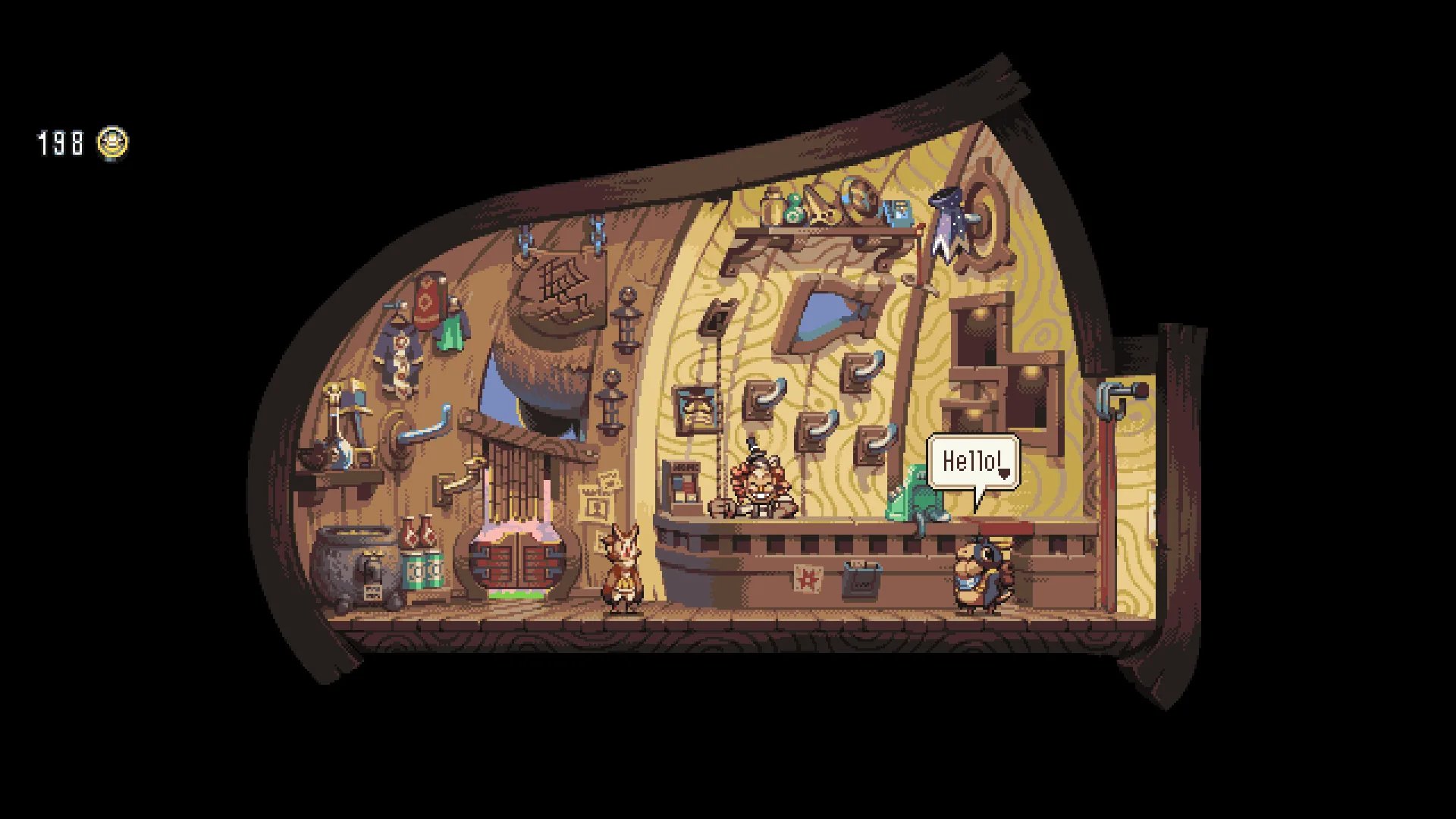
- You can upgrade your health bar by finding Buccaneer Coins and trading them for health tonics at the local shop.
- If you take damage, eat some of the nearby fruit.
- At full health your dash is a little quicker and longer, so try to stay at maximum health.
Your Friends Are Your Weapons
Otus is mute, and the official description presents his friends as the ones who do the fighting. The store page frames the game around picking up your friends and bringing them with you as you explore the open skies, and around recruiting Otus's friends as gunners to fight for you, each with unique abilities and stories.
In practice, your first combat habit should be to fly with a friend in hand. The same description promises large dungeons with big and challenging boss battles, so treat each new gunner as a new tool rather than a cosmetic choice.
The Core Verbs: Spin, Shoot, Throw
Your moment-to-moment toolkit is small: a Spin Attack, a Shoot action, and a Throw action, with aiming handled by a second thumbstick. An official Steam announcement for the Anniversary Update adds and changes several of these.
From that announcement:
- Auto-aim can be toggled on or off in the Options Menu, letting you play the entire game without a second thumbstick.
- Super Dash: hold the roll button for an additional boost in your current direction while rolling.
- Pickups are thrown in the direction Otus is flying when you press the Throw button.
- The Z, X, and C keys can be used for Throw, Shoot, and Spin Attack.
- Screenshake, flash effects, and Drop Gunner On Dodge can each be toggled in the Options Menu.
- Cutscenes can be fast-forwarded, and several game-halting cutscenes were removed.
- Various enemies can now be stunned by dropping Geddy or Alphonse on their heads.
What Isn't Officially Documented
- The Anniversary Update announcement says auto-aim can be toggled in the Options Menu, but it does not state whether it is on or off by default. That is not officially documented in the material available here.
- The announcement lists the new toggles but gives no recommended settings for a first playthrough.
- The store page describes large dungeons and challenging boss battles without naming them. Any list of areas or bosses you encounter elsewhere comes from community sources, not from the official description.
A First-Session Checklist
Everything below restates points already sourced above.
- Fly around the starting area until movement feels natural.
- Pick up your first friend and practice shooting while flying.
- Test the Spin Attack, Throw, and — if you have the update — Super Dash.
- Check the Options Menu for the auto-aim, screenshake, and flash toggles.
- Watch for Buccaneer Coins and spend them on health tonics.
- Stay at full health when you can, since the walkthrough notes your dash is quicker and longer at maximum health.
Related Guides
Owlboy Auto-Aim: How to Turn It On or Off
Where to find the Owlboy auto-aim setting, what it changes about aiming with controllers, and whether you can still aim manually.
Is Owlboy Co-op or Multiplayer? Single-Player Only
Owlboy's Steam features list Single-player only, so there is no local split screen, online co-op, or crossplay.
Owlboy Core Mechanics Explained: Flight, Gunners, Spin Attack, and Throw
Explains Owlboy's fundamental systems: constant flight, carrying friends as gunners, the spin attack and shooting, and throwing pickups.
How to Use Super Dash in Owlboy
How the Super Dash works in Owlboy, which button to hold, and how it improves on spamming the roll button for faster movement.