Owlboy Core Mechanics Explained: Flight, Gunners, Spin Attack, and Throw
Explains Owlboy's fundamental systems: constant flight, carrying friends as gunners, the spin attack and shooting, and throwing pickups.
How Owlboy Actually Plays: Flight, Gunners, and Combat
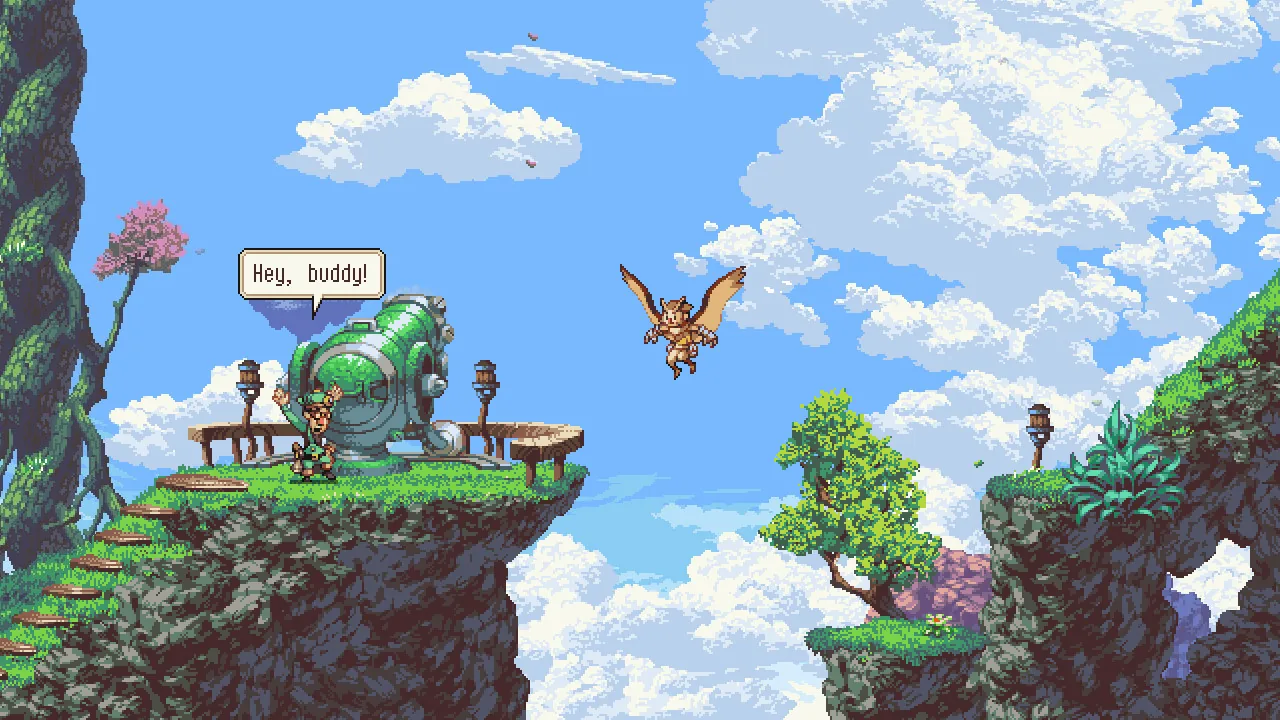
Owlboy is a platform adventure that its official Steam store page describes as having a "unique mix of flight and platforming." You play as Otus, a mute owl who can fly and carry objects — including his friends, who serve as gunners with their own weapons and abilities. Combat and puzzle-solving both run through that carrying system: hold a friend to shoot, or grab and throw objects. An anniversary update later introduced a Super Dash, auto-aim, and several on/off toggles in the Options menu.
Flight and Carrying Are the Core
The store page describes a game where you can fly and explore a new world in the clouds, and where you pick up your friends and bring them with you as you explore the open skies. The pitch is deliberately broad: "Carry anything."
According to Wikipedia's article on the game, the player controls Otus, "who is capable of flying and carrying objects during flight." Those objects "vary in use, but are mainly used as ranged weapons, thrown weapons, and puzzle-solving tools." The same article notes that the owls in the setting do not naturally fly like their wild counterparts — an owl cloak grants them that ability.
Your Friends Are Your Gunners
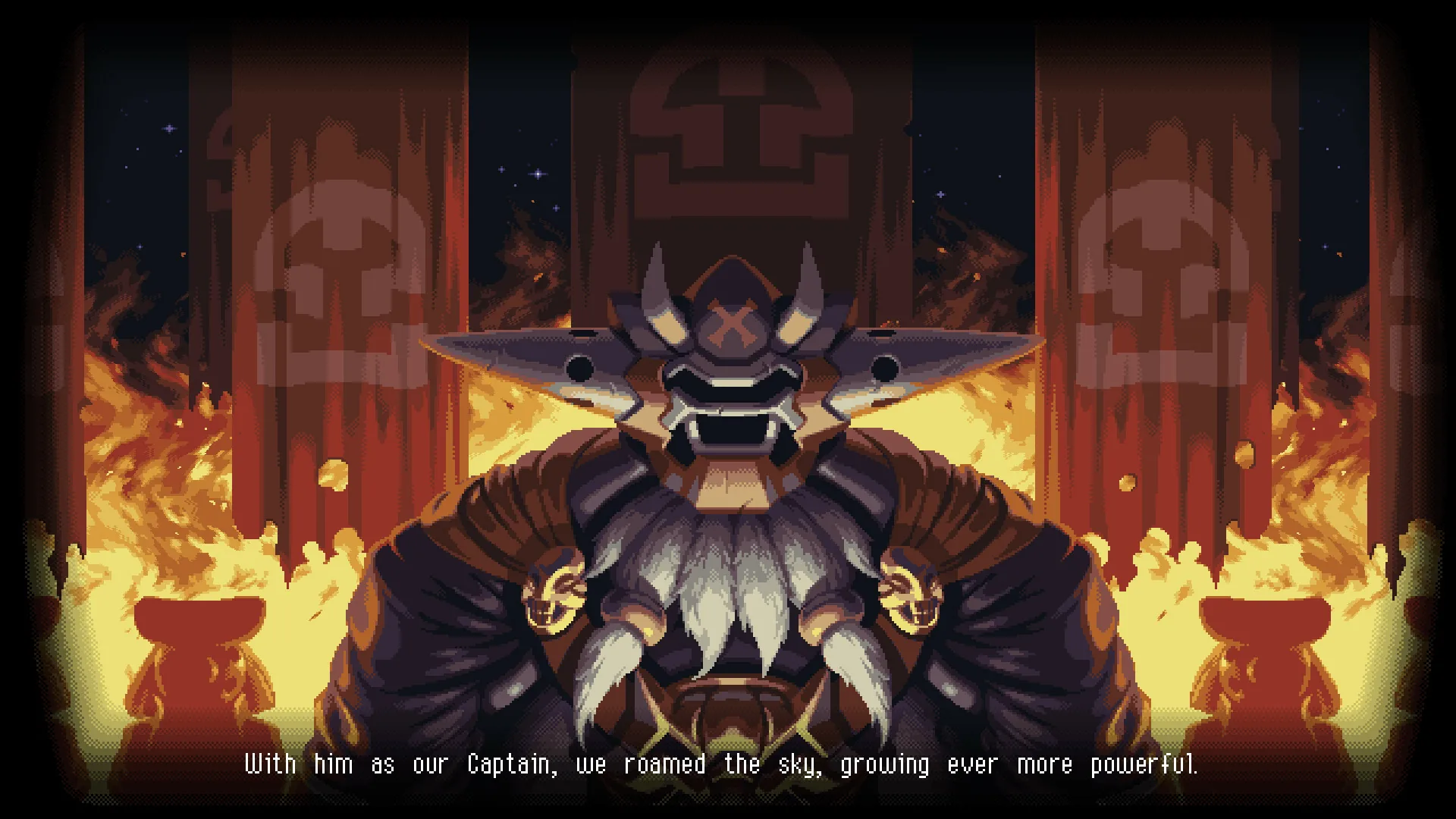
The official description is direct about the combat loop: "Recruit Otus's friends as gunners to fight for you, each with unique abilities and stories." The friends you carry supply the game's ranged firepower.
Wikipedia adds that as the game progresses, Otus "gains allies that accompany him during his journey, each having their own weapon with exclusive properties," and names Geddy and the former pirate Alphonse among them. The store page also promises "large dungeons with big and challenging boss battles."
The Anniversary Update Reworked the Controls
The official anniversary update announcement, posted for the game's tenth anniversary, lists a set of changes:
- Super Dash — hold the roll button for an additional boost in your current direction while rolling.
- Auto-aim — a toggle in the Options menu that lets you play the entire game without a second thumbstick; precise stick aiming still works as before.
- Gunner drops — "various enemies can now be stunned by dropping Geddy or Alphonse on their heads."
- Throw direction — pickups are thrown in the direction Otus is flying when you press Throw.
- On/off toggles — auto-aim, screenshake, flash effects, and "Drop Gunner On Dodge" can each be switched on or off in the Options menu.
- Keyboard play — Z, X, and C map to Throw, Shoot, and Spin Attack respectively.
- Cutscene control — major cutscenes can be skipped, and you can fast-forward by holding the fast-forward button (F-key or right bumper by default).
The same announcement states that "several game halting cutscenes have been removed."
What the Official Material Doesn't Say
The store page and announcements do not publish health values, damage numbers, enemy statistics, or a full item list, so any specific figures you see elsewhere are not officially documented here. The update notes say "various enemies" can be stunned by a dropped gunner without naming which enemies.
For reference, the store page lists Owlboy at $1.99 in the US store, developed and published by D-Pad Studio, released November 1, 2016, with single-player, full controller support, Steam Achievements, Steam Cloud, and Remote Play on TV among its features.
Related Guides
Owlboy Auto-Aim: How to Turn It On or Off
Where to find the Owlboy auto-aim setting, what it changes about aiming with controllers, and whether you can still aim manually.
Owlboy Beginner Guide: Flying, Attack, and Exploration Basics
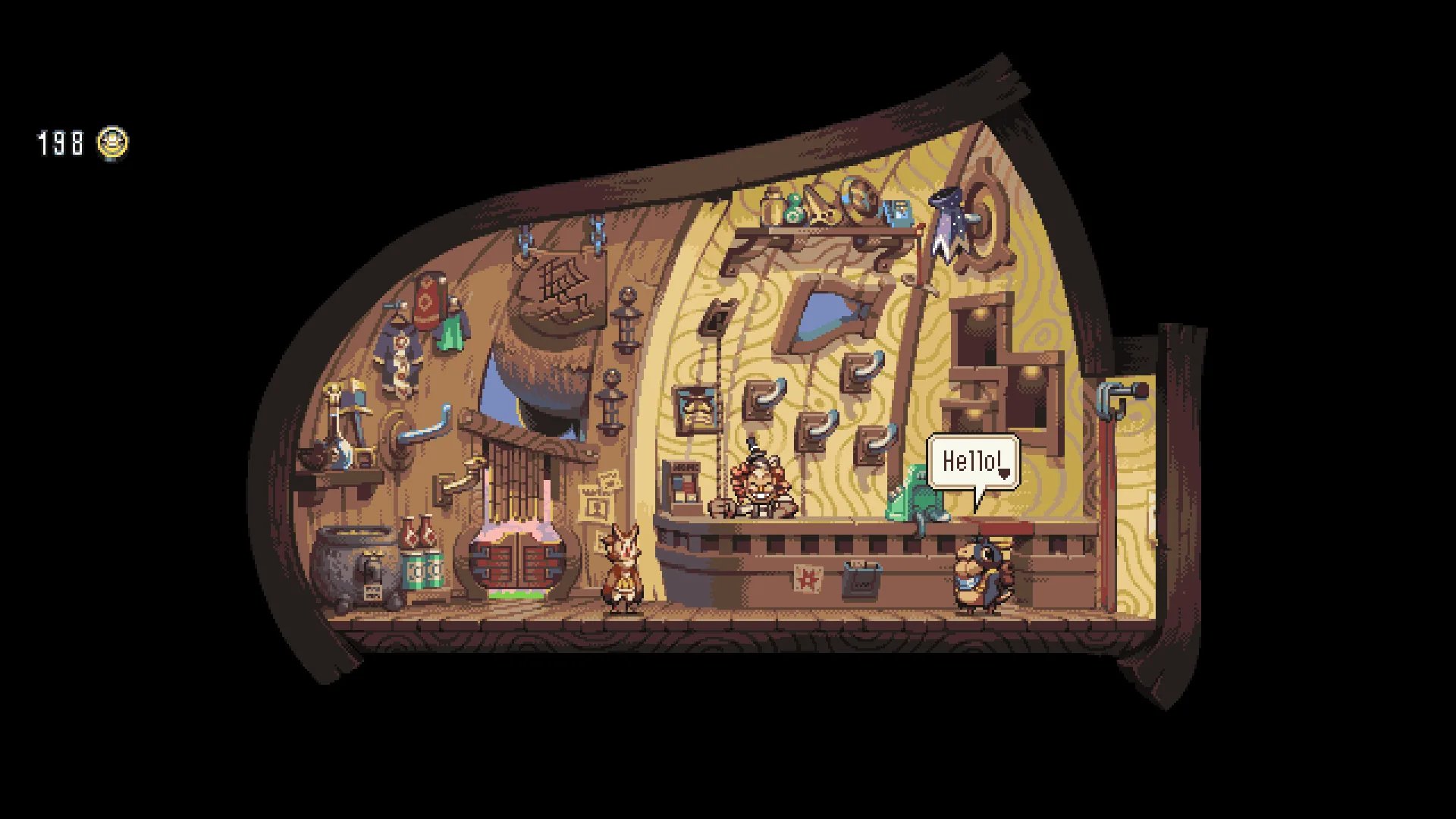
A starting-point guide for new Owlboy players covering the core loop: flying as Otus, carrying and using gunners, the spin attack, throwing pickups, and exploring the sky world.
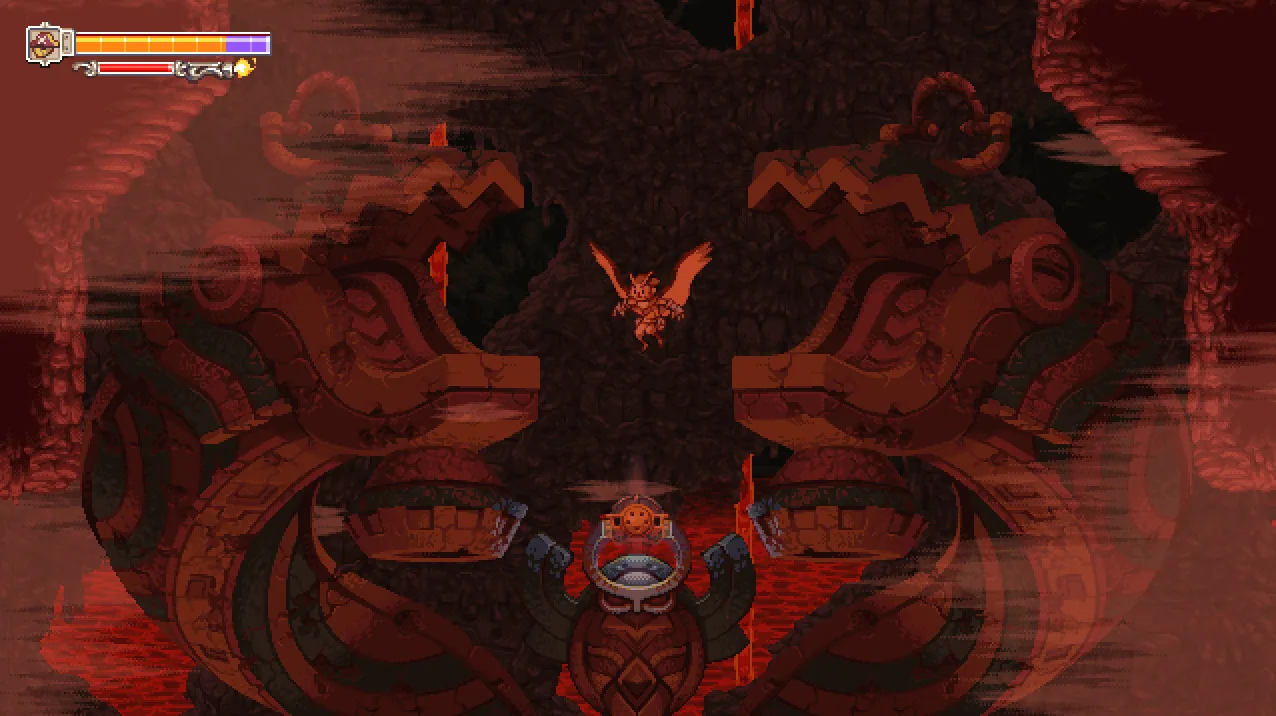
Is Owlboy Co-op or Multiplayer? Single-Player Only
Owlboy's Steam features list Single-player only, so there is no local split screen, online co-op, or crossplay.
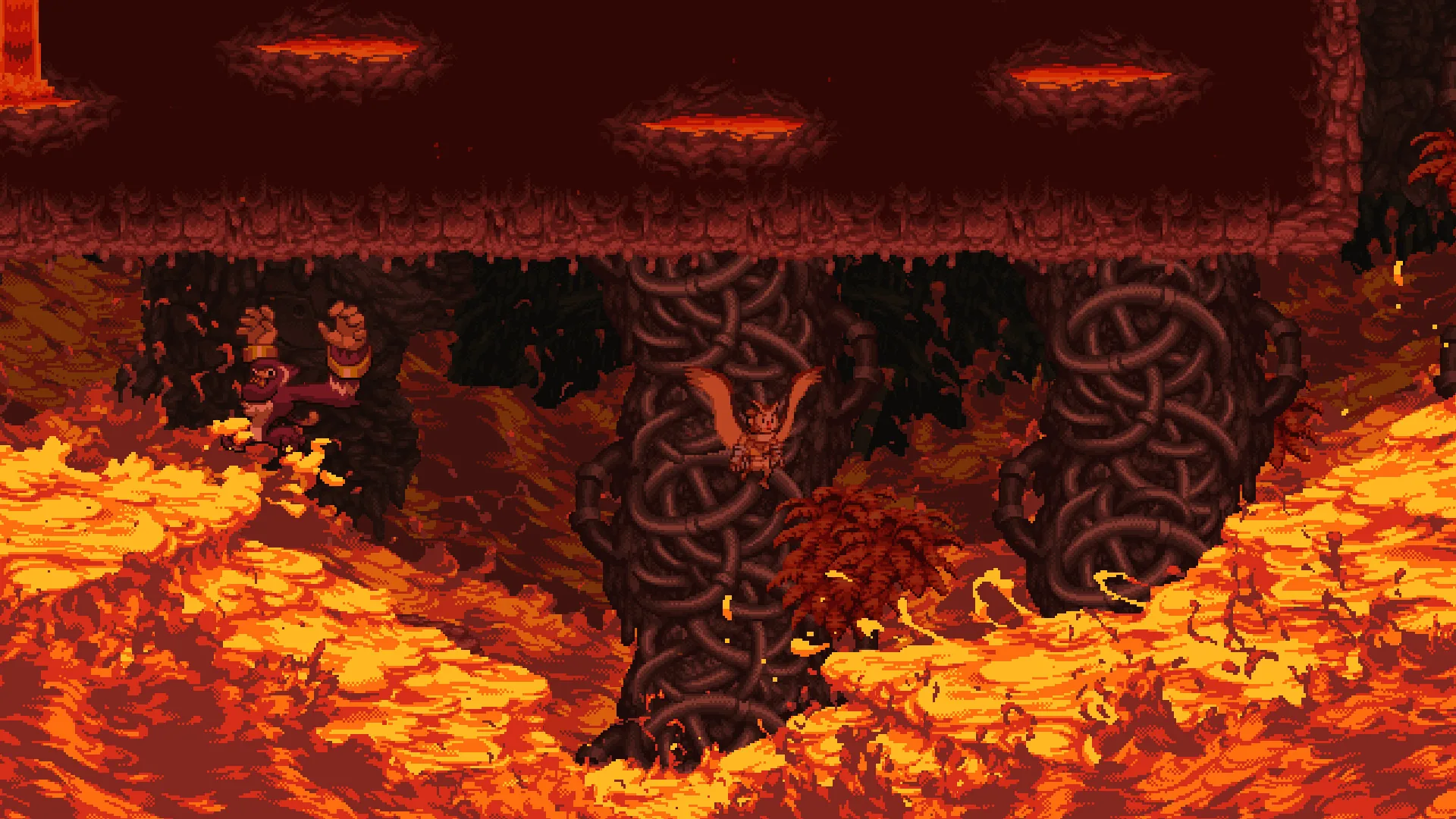
How to Use Super Dash in Owlboy
How the Super Dash works in Owlboy, which button to hold, and how it improves on spamming the roll button for faster movement.